Choose a look
Daylight, Frost, or Linen. Or upload your own image. The QR can sit in any corner.

Download a background from your BŪP Card. Your name, title, company, and a QR code stay in the frame while you talk. Add the image in Zoom, or in any meeting tool that accepts a custom background.
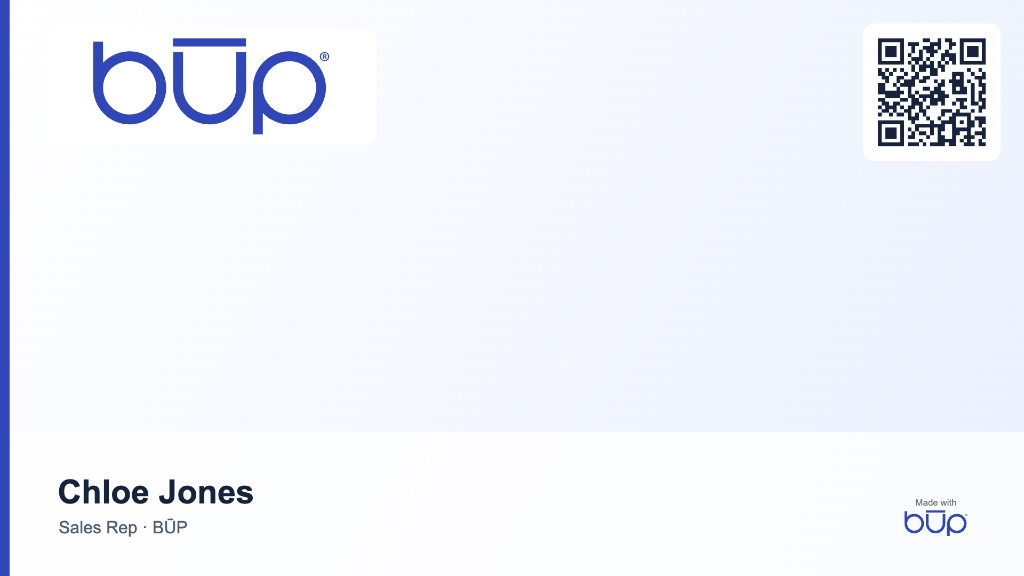

Sample. Chloe Jones in front of a BŪP background.
Daylight, Frost, or Linen. Or upload your own image. The QR can sit in any corner.
The file is 1920 × 1080. The QR opens your live card. A team logo appears when your card has one.
In Zoom, open Background & Effects and upload the image. The same file works in any tool with a custom background.
You create it from the signed-in card in Brand assets, download the PNG, and upload it in the meeting tool. Publish the card first so the QR has a public profile to open.